Big Step in Improving Guitar Tone Customization and Amp Simulation.
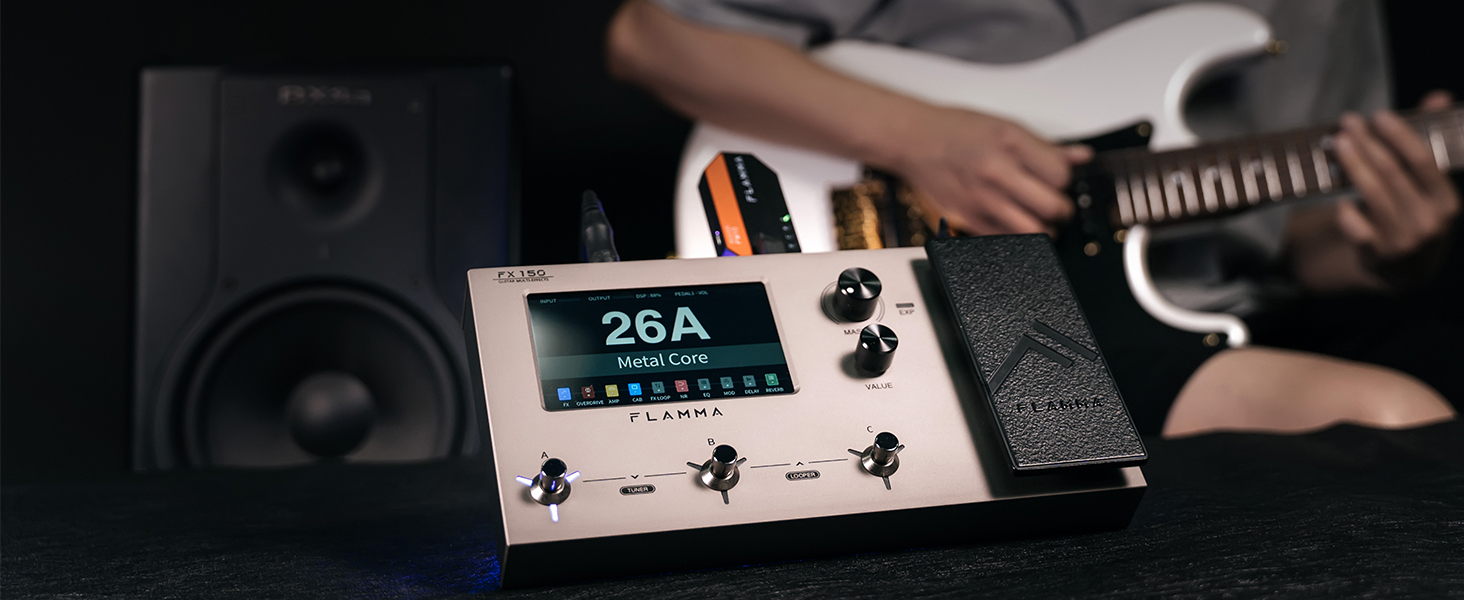
The FX150 supports 1024-point IR files, users have more flexibility to craft amp emulations than 512-point systems. It also comes with customizable Footswitches and Expression Pedal, which brings more possibility to sound creation.
FX150 features a high-quality 5” LCD touchscreen, adjusting your ideal parameters in a touching way.
Edit the presets, upload IR files, and record your sound on the editable software.
Build complex live setups with ease with the 3 customizable footswitches.
Global EQ allows user to adjust the tone quickly according to different audio setups.
Auxiliary input, built-in USB Audio Interface, and supports all major I/O setups.
Use the OTG cable for connecting your FX150 to a compatible smartphone or tablet. Enter any video/audio recording software for direct video/audio recording.
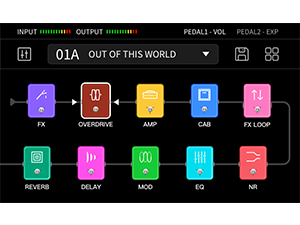
Editable effects chain allows users to change the order of modules. 10 effect modules can work simultaneously.
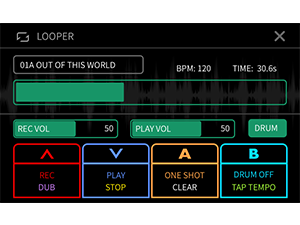
Integrated 52-second looper can be set to pre mode or post mode. 80 drum machine variations and 10 metronome styles to choose from.
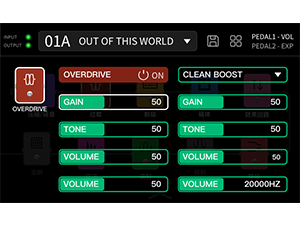
160 types of unique effects and 180 user slots provide much more creativity and flexibility for you.
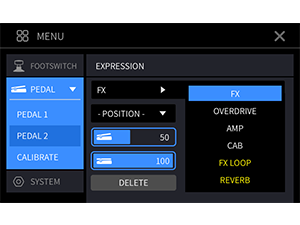
Customize the expression to control the model you want. It can be set to control the Volume or Effects.
This setup requests amplifier with built-in FX LOOP, or individual power amp section. It is recommended to turn on the AMP module for best results.
You can use this setup with your audio interface, powered stage speaker, PA system, studio speaker, headphone or any other FRFR (Full range, flat response) device.
While using with an FRFR device and amplifier, please enter the SYSTEM-GLOBAL CAB menu, turn off the cab sim for the output if the amp cabinet is connected, turn on the cab sim of the output if not.
In this setup, the FX150 is used as the post pedal in the FX LOOP of an amplifier. The effects of your FX150 will be placed between the preamp and the power amp of the amplifier.
1. Turn on the FX LOOP and set it to SERIAL mode.
2. Turn off the AMP and CAB module, to prevent unexpected results.
3. Select modules and change the order of them to place before or after FX LOOP.
It is recommended to use this setup if the amplifier does not have an FX LOOP. Turn off the AMP and CAB module, as the amplifier signal will go through the preamp and cabinet of your amplifier.
Power amp + Cabinet/FRFR Device/FRFR Device + Amplifier/FX LOOP of Amplifier/Four-Cable Method/Input of amplifier
Big Step in Improving Guitar Tone Customization and Amp Simulation.
The FX150 supports 1024-point IR files, users have more flexibility to craft amp emulations than 512-point systems. It also comes with customizable Footswitches and Expression Pedal, which brings more possibility to sound creation.
Power amp + Cabinet/FRFR Device/FRFR Device + Amplifier/FX LOOP of Amplifier/Four-Cable Method/Input of amplifier




Product description
FOR LIVE STREAMING
OTG FUNCTION
Changeable Effects Chain
LOOPER
Unique Effects & User Slots
Expression Pedal
6 Recommend Setup for your reference:
Power amp + Cabinet
FRFR Device
FRFR Device + Amp
FX LOOP of Amplifier
Four-Cable Method
Input of amplifier